Add communication device
-
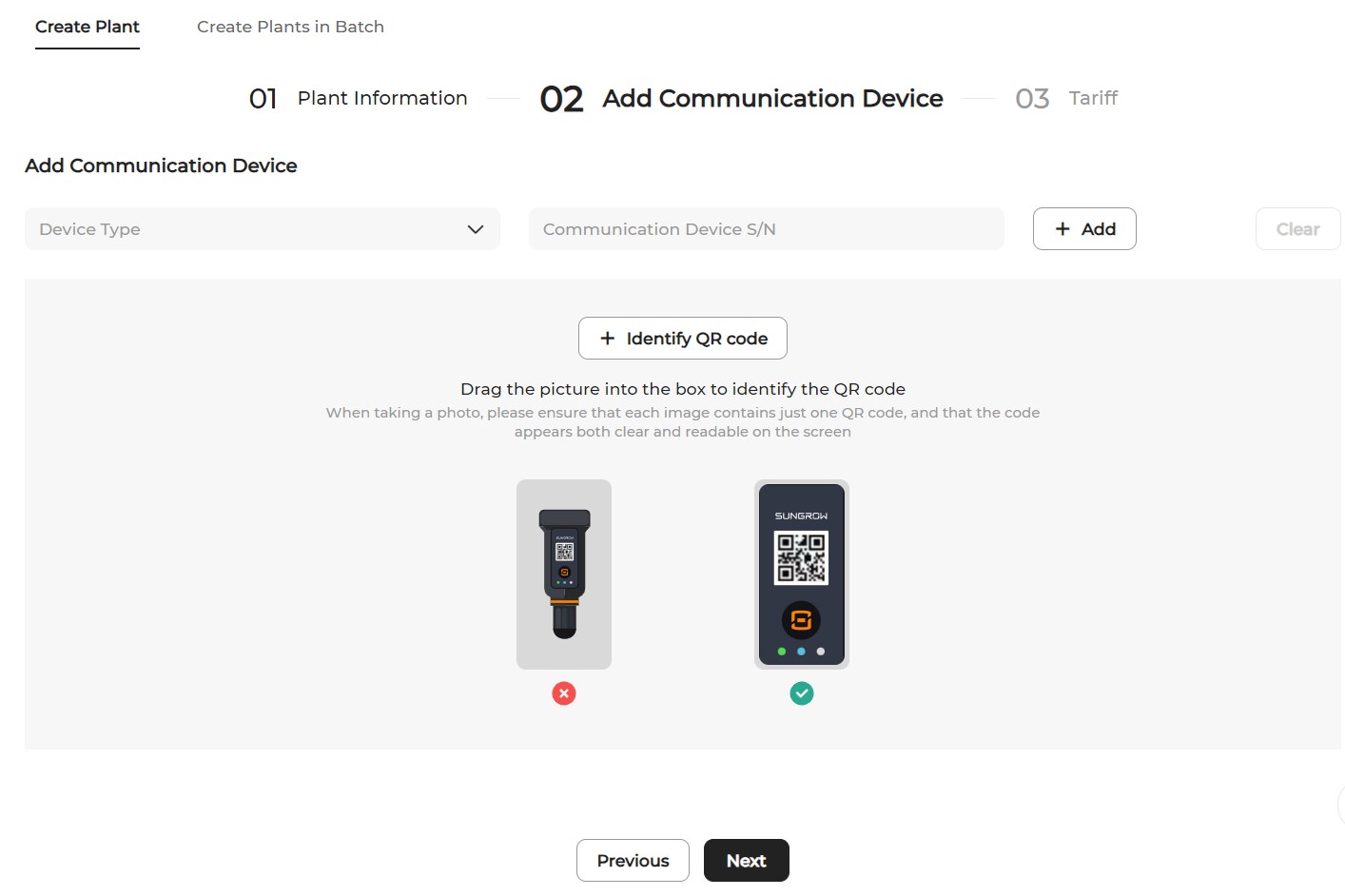
Two methods are available to add a communication device:
-
Add manually: Select the device type, enter the S/N of the communication device, and click Add.
-
Scan a QR code: Click Identify QR code. Upload a picture of the device's QR code, or drag and drop the picture to the box for QR code identification.
-